Notion Budget Templates That Survive a Real Month (Matched to How You Get Paid)
Notion budget templates can look finished and still miss bills, irregular costs, or payday timing. Build a monthly view that matches how you get paid.
By Her's Notion Planner by Cosmo Suite · Editorial policy
Published · 8 min read
An empty budget template can look peaceful on day one and useless by the first bill. The trouble starts when tidy monthly categories have to handle real payday dates and costs that do not arrive every month.
You can make a Notion budget template more useful by starting with one month of actual spending, adding the dates that money comes in and bills go out, then reviewing the plan once a week. Build a page you can keep current, even when the month changes.
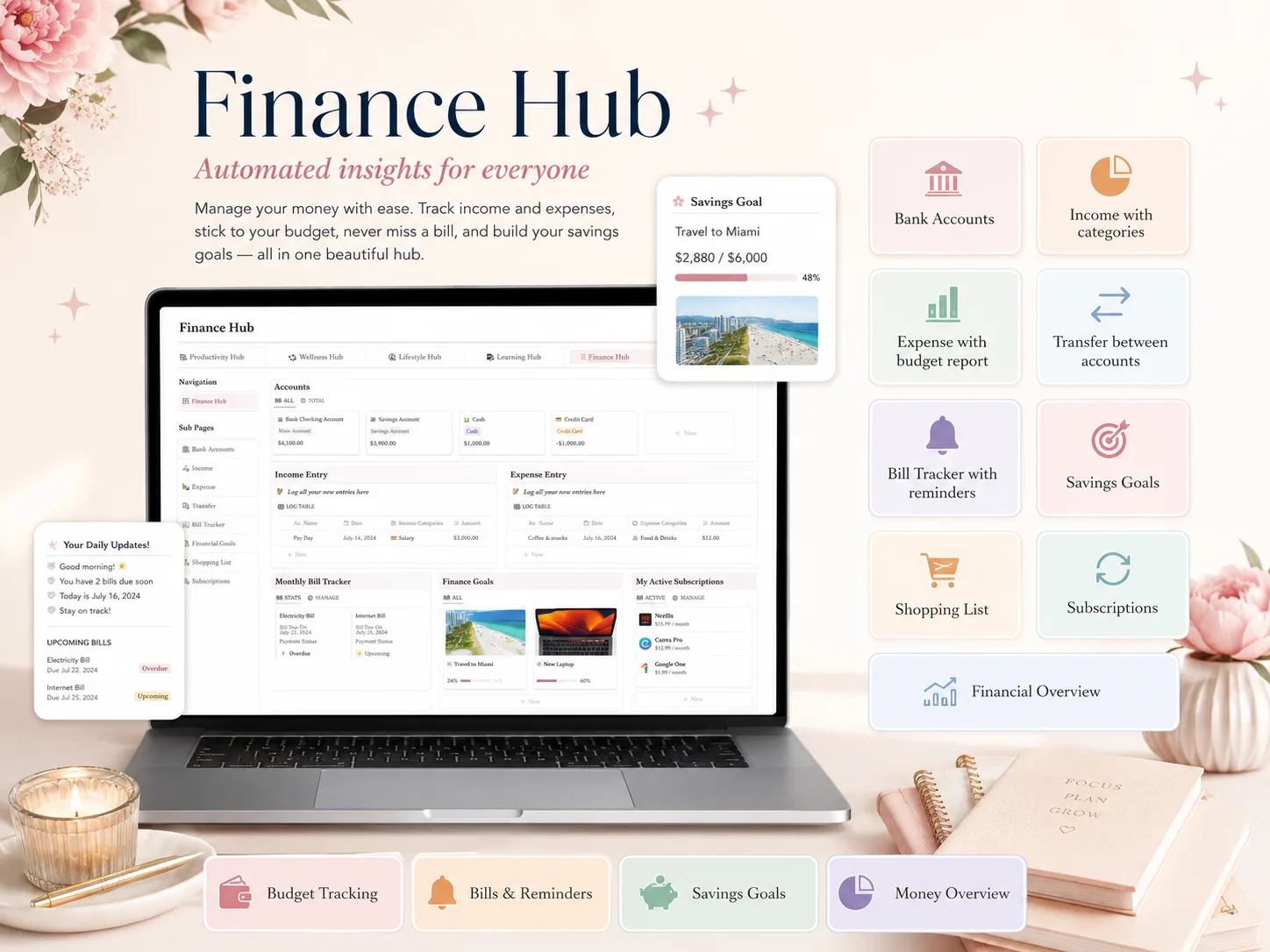
If you want a connected planning space alongside a budget, Her's Notion Planner includes a Finance hub within its five-hub Notion template. This guide also works with a free Notion page or a spreadsheet.
Why a budget template can feel empty by week two
A budget is a plan for expected income and expenses over a period, as the Consumer Financial Protection Bureau explains. Cash-flow timing is the relationship between the dates money arrives and bills are due. A month total alone does not show whether a bill comes before your next paycheck or an annual cost was forgotten.
The fix is to give each number a job. Planned amounts are a forecast. Actual amounts are what happened. Due dates show timing. Keeping those separate makes it easier to spot a mismatch without treating an estimate as a promise.
Start from statements and receipts, not from what you think you should spend. The CFPB recommends looking over several months for less frequent costs, including insurance, medical expenses, tuition, gifts, and travel. That backward look is the part many blank templates skip.
A Notion budget template at a glance
Use the smallest setup that lets you answer three questions: what is coming in, what must leave, and what can change? A template should make those answers easy to find.
| View | What to record | Why it helps |
|---|---|---|
| Income dates | Pay date, source, expected take-home amount | Shows when money is available |
| Fixed bills | Name, due date, planned amount, paid status | Makes deadlines visible |
| Flexible spending | Category, date, actual amount | Shows where estimates drift |
| Future costs | Item, expected month, estimate | Makes irregular expenses less surprising |
| Goals | Name, amount set aside, next review | Connects a target to a check-in |
Keep the first view readable on a phone. If you need several clicks to find the next bill, simplify the dashboard before adding more databases.
Before paying for a template, look past the cover image. Check whether you can see its actual finance page, whether the instructions explain how to make a copy, and whether the views work on the device where you will check your budget. Look for the fields you need: amount, category, date, and a clear difference between planned and actual spending.
Also ask what happens when you miss an update. A useful template lets you add a late transaction or move a due date without rebuilding the whole month. If a demo only shows a polished dashboard and hides the working table, you may have to do the setup yourself. A free gallery template is a sensible choice when it already has the fields you need and you are happy to adjust the layout.
Build one month from real numbers
Start with one recent month that shows how your money moved. Use it as a working example, and mark any value you are estimating. For a worked habit-tracking routine in Notion, see the related guide.
1. List take-home income by date. Add each payday and any other income you expect to use for this plan. If the amount varies, use a cautious estimate and label it. Do not treat an uncertain payment as guaranteed.
2. Add fixed bills and their due dates. Include housing, utilities, insurance, subscriptions, and debt payments if they apply. The CFPB’s spending guidance also recommends comparing a budget with take-home pay and checking statements for accuracy.
3. Add flexible categories. Food, transport, personal spending, and household items are common examples. Use categories that help you make a decision. A list with twenty tiny labels may take longer to maintain than it saves.
4. Add costs that do not arrive every month. Put the expected month beside annual renewals, school costs, gifts, car maintenance, or travel. If you do not know the amount yet, record that uncertainty instead of inventing precision.
5. Compare planned and actual. A simple table can have Category, Planned, Actual, Due date, and Status. Add a note for anything unusual. That is enough to learn from the month without creating a complicated finance system.
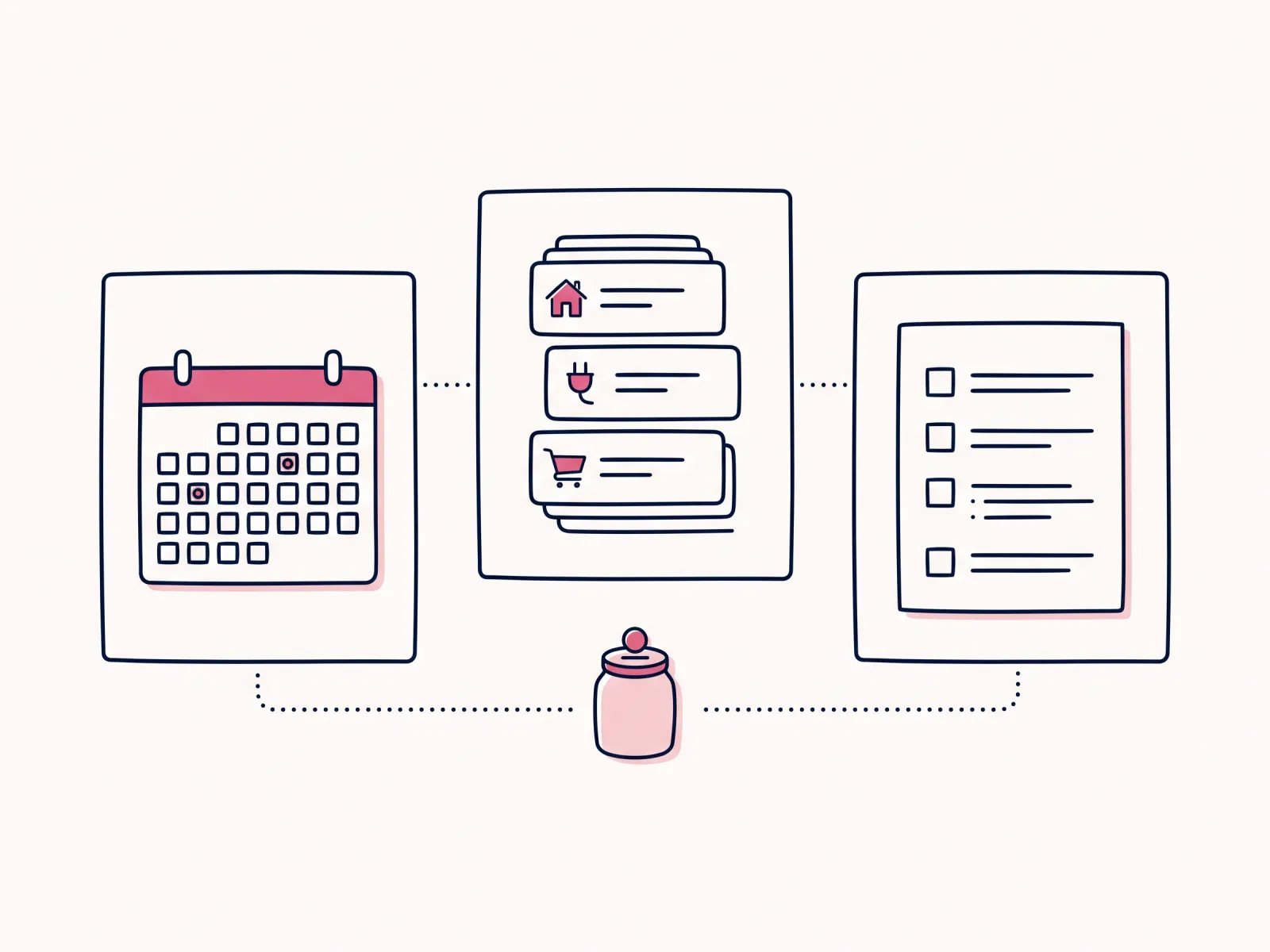
For example, imagine a fictional month with two pay dates, rent due near the start, and an annual insurance renewal. Put the pay dates and bill deadlines on the same calendar. Split the renewal estimate across the months before it is due if that is how you prefer to plan, and label the figure as an estimate. These are illustrative entries, not recommended amounts.
If you use a Notion table, keep the working fields close to the name of each item. A bill row might show its label, due date, planned amount, paid status, and the date it cleared. A flexible category can use a planned amount and a current actual total. Add a separate note for an unusual purchase so it does not get mistaken for a normal monthly pattern.
That setup gives you a quick check before the next payday: which bills are due first, which funds have arrived, and which estimates need an update? You can keep a month-level summary for the bigger picture while using the date list for timing. If the page needs a separate table for every category, start again with fewer fields.
Match the plan to how you get paid
Monthly income totals can hide a timing problem. If your pay arrives weekly, twice monthly, or on an irregular schedule, include the actual deposit dates in the plan. Then place bills by due date and review which pay period will cover each one.
If you are paid twice a month, list both dates separately even if the amounts are similar. If income varies, build the plan from money you can reasonably expect and keep uncertain income outside the committed bill total until it arrives. You can adjust the plan when the deposit clears.
For cash that comes in unevenly, a weekly check-in can be more helpful than repeatedly rebuilding a monthly budget. The CFPB recommends using a method that works for you and updating a working budget when income or spending changes. A notebook or spreadsheet may be easier than Notion if entering every transaction feels like a chore.
Choose a budget template you will keep updating. A phone-friendly dashboard makes due dates easier to check while you are away from your desk. You still decide which expense to change, so keep the next step obvious. If visual layout helps you return to a page, this guide to an aesthetic Notion template that lasts covers the setup side.
A five-minute weekly reset
A short weekly reset keeps the page close to your current month. Pick a regular moment, such as the day you review your calendar, then use the same sequence each time.
First, mark bills that cleared and check the next due dates. Second, add income that arrived and correct any estimate that changed. Third, update only the flexible spending categories you can verify from your records. Fourth, move a newly discovered future cost into the month it belongs to. Finish by writing one note about a change you want to remember.
If you missed a week, start with the current balance of the plan and the next due date. You do not need to reconstruct every small purchase to make the next decision. Add details later if they help you understand where the earlier estimate went off.
The reset should feel like closing a few open loops. If it takes long enough that you keep postponing it, remove fields and views until the review feels manageable. You can add detail back after you know you will use it.
What makes a budget easier to keep using
The small maintenance choices matter more than a clever formula. Try these before adding automations or extra dashboards.
- Use actuals to revise the next plan. If a category repeatedly differs from your estimate, change the estimate or investigate the mismatch. Do not keep copying a number just because it looks neat.
- Keep a miscellaneous line. The CFPB’s home-buying guidance explicitly suggests including miscellaneous costs and looking back over multiple months for infrequent expenses. A catch-all can reveal categories you should add later.
- Choose a review rhythm. A short weekly review can update paid bills and recent spending. A monthly review can move upcoming expenses into view and reset the next period.
- Write down what changed. A one-line note such as “renewal moved to November” can explain why a total differs from last month.
- Treat rules as options. The 50/30/20 rule is one example described by the CFPB, not a universal fit. Your own needs and obligations may not match those percentages.
When a category is already difficult to cover, a template will not solve the underlying shortfall. It can help you see the timing and tradeoffs more clearly. For personal guidance, consider a qualified nonprofit financial counselor; avoid relying on a template as financial advice.
Where Her's Notion Planner fits
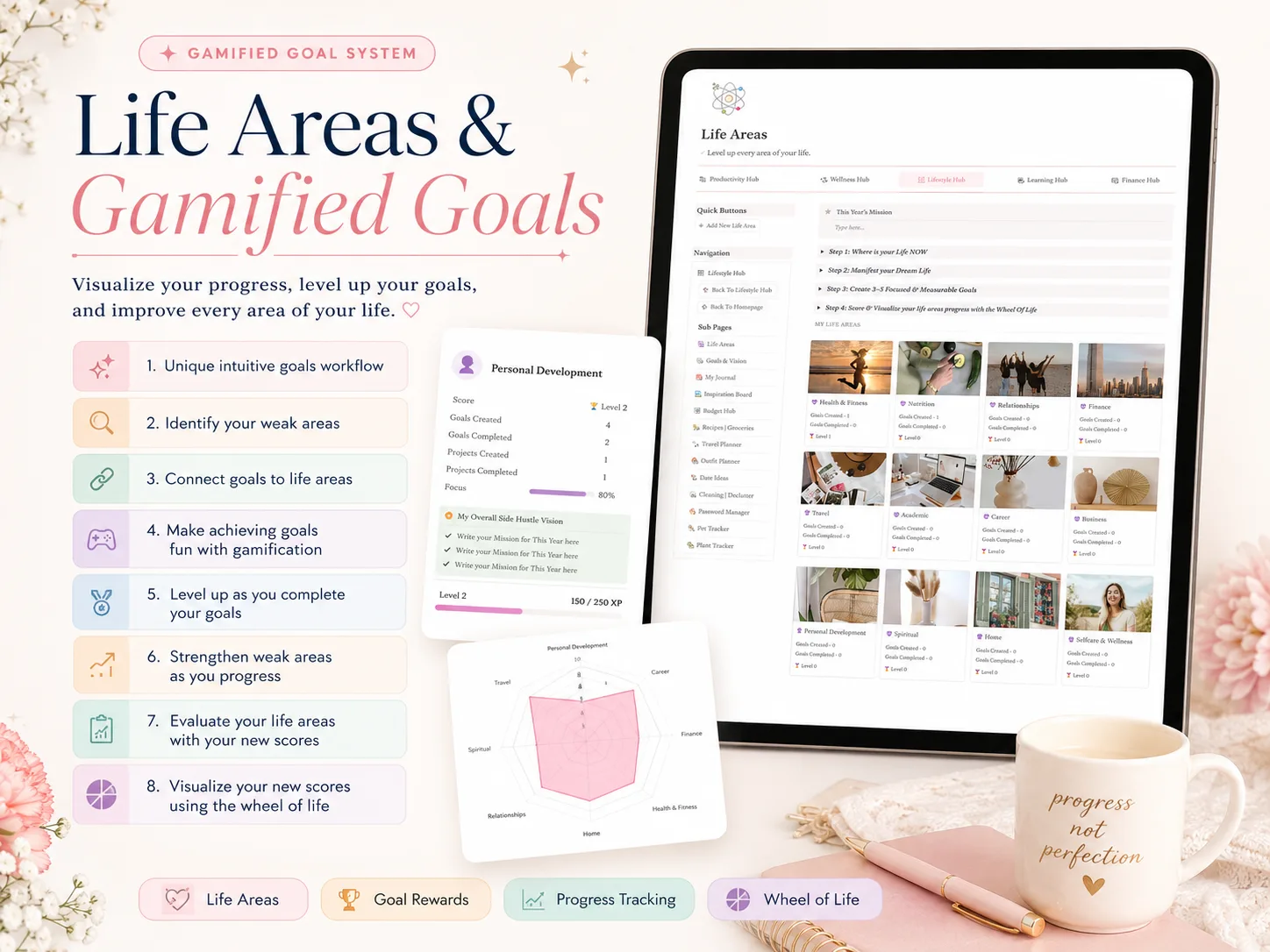
Her's Notion Planner has a Finance hub alongside Productivity, Wellness, Lifestyle, and Learning. It also includes Life Areas and gamified Goals with real-time progress, plus desktop, tablet, and phone dashboards. Those are useful if you want a connected planning space for money goals and other parts of life.
The template does not replace checking statements or deciding what is affordable. You still choose your categories, enter your own figures, and review whether the plan matches what happened. It is a Notion template, so you need to be comfortable working in Notion and maintaining your own information.
If you want those hubs together, see what Her's Notion Planner includes. If all you need is a basic monthly budget, a free Notion page, paper, or spreadsheet may be enough. Choose based on the setup you will actually keep using.
Why trust this article
This guide uses the CFPB’s public budgeting materials for general planning principles and was checked on October 19, 2026. Its sample month is fictional and makes no claim about typical spending. Her's Notion Planner is our product. This article is general information, not financial advice. Verify your own bills, dates, and figures before acting.
Frequently asked questions
Can a Notion budget template work if I am paid weekly or twice a month?
Yes. Keep a monthly view for totals, then add the actual dates money arrives and bills are due. A weekly payday can fund several weeks of expenses, so your plan should show when cash is available, not only the monthly total.
What should a Notion budget template include?
At minimum, include take-home income, recurring bills, flexible spending, savings goals, less frequent costs, and a place to compare the plan with what happened. Add a simple review date so you can update estimates from real statements.
Is a Notion budget template safe for bank details?
You do not need to enter account numbers, passwords, or card details to plan a budget. Keep sensitive credentials out of a planning template, and check Notion's current privacy and sharing settings before storing personal financial information.
Should I use the 50/30/20 budget rule in Notion?
It can be a starting point, not a requirement. The CFPB describes 50/30/20 as one example of a budget rule. Your housing costs, income timing, debt, and priorities may call for different categories or proportions.
How do I make a Notion budget template less empty?
Start with one recent month of actual transactions and known bills. Put each item in a category, include occasional expenses, and label estimates clearly. Then set next month's plan from that record instead of filling a blank page with ideal numbers.
Is a free Notion budget template enough?
Often, yes, if it covers your categories and you are comfortable building any missing views yourself. A paid template may save setup time, but compare its actual screens, instructions, and fit with your pay schedule before buying.
