Self Care Planner: Paper vs Notion, Which One Will You Keep Using?
self care planner: compare paper and Notion by cost, reminders, offline use, and daily fit. Use a one-week test to choose a format you will keep.
By Her's Notion Planner by Cosmo Suite · Editorial policy
Published · 8 min read
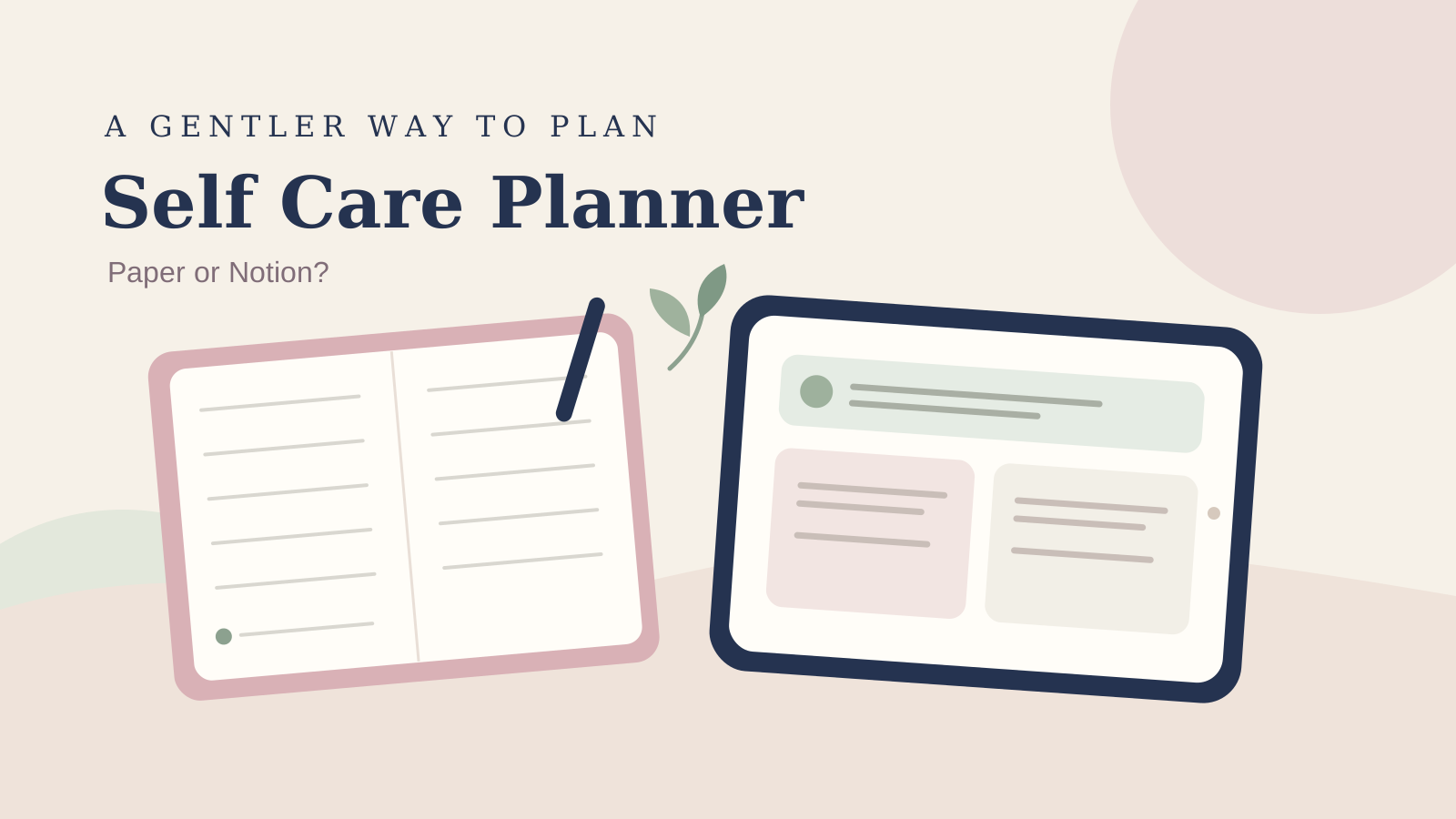
If you have tried a self care planner before, you may know the pattern: the page looks lovely on Sunday, then the week gets full and the planner stays closed. Paper and Notion can both make a routine feel more visible. They ask for different habits, though.
Paper is ready when you put it somewhere you can reach. Notion can keep a plan searchable and available across devices, with reminders if you set them up. Choose the page you'll reach for during a full day. The comparison below includes a one-week test you can try before buying or building anything.
If a finished digital space sounds appealing, Her's Notion Planner has a Wellness hub and dashboards for desktop, tablet, and phone. The comparison below also works if you prefer a blank Notion page or a notebook.
Start with the check-in you want to keep
A self care planner works best when its first step is small enough to repeat. Pick one moment, such as noting how your day is starting or choosing one thing you want to make time for. You do not need to track every part of your life.
A self care planner is a place to plan small routines and check-ins that support your day. It can be a paper page, a digital page, or a template. The format matters less than whether you can reach it and use it without adding pressure.
Write down what would help you decide whether to keep the habit. Maybe you want a place to jot a few lines, remember a routine, or see how your week is arranged. Keep the prompt private and comfortable. Skip anything that feels like a chore or asks you to record details you would rather not store.
This guide compares planning tools and offers no health advice. If you use a planner alongside advice from a health professional, follow their guidance and use the page for the notes you want to keep.
Paper and Notion at a glance
Both formats can hold the same short check-in. The main differences are how you reach the page, what you can change, and what happens when you miss a day.
| What matters | Paper planner | Notion planner |
|---|---|---|
| Getting started | Open a notebook and write | Open a page or database in the app |
| Cost over time | The book is a one-time purchase; refills or a new planner may add cost | Notion has a Free plan; paid templates or plan features can add cost |
| Reminders | A written note stays on the page, but it does not send an alert | You can set a reminder on a page or a database date; recurring reminders are not currently available |
| Offline access | The page is available wherever you bring it | Download pages for offline use in the desktop or mobile app; check which pages are downloaded |
| Finding old notes | Flip or use an index you maintain | Search and page links can help you return to a note |
| Writing feel | Pen and paper suit people who like handwriting | Typing is quick to edit; a phone page needs a layout that is easy to use |
| Best fit | You like a visible, tactile page and can keep it nearby | You want a plan you can search and open on your devices |
Use the table to decide which format to try first. Notion changes its features and plans, while paper planners vary by format and publisher. Check current details for anything that affects your choice.
Paper makes the routine visible
A paper self care planner is useful when a physical cue helps you remember to pause. Leave it by your bed, on your desk, or beside something you already use. A small notebook also gives you a clear boundary: the page ends, and you can close it.
The setup can stay simple. Use one page for the week. Add a short prompt at the top, then leave room for a few notes on the days you want to check in. If you miss a day, leave it blank and continue. You do not have to fill the gap to make the next entry count.
Paper has limits. You need to carry the planner when you want to use it, and old notes may take time to find. A dated weekly planner can also leave blank pages when your schedule changes. Undated pages or a flexible notebook give you more room to restart without catching up.
Refills are another practical detail. A bound notebook may be easier to keep in one place; a refillable planner can let you replace pages you use often. The right choice depends on how you write and whether a particular size or layout feels comfortable. Compare the format in person when you can, especially if the page feels cramped.
Notion keeps a digital page close
Notion can suit you if you already open it during the day and want a self care planner near your other notes. A plain page can hold a weekly intention, a few check-in prompts, and links to notes you want to revisit. You can start with one page before adding views or databases.
Notion's reminder guide explains page reminders and reminders on database date properties. It says mobile push notifications can arrive around the reminder time. The same guide says recurring reminders are not available yet, so a daily or weekly prompt may need another method. Check the current settings on your device before building a routine around notifications.
Offline use takes a little preparation. Notion's offline guide says pages can be downloaded individually in the desktop and mobile apps. It also explains that subpages do not download automatically with a parent page. If you need access away from a connection, download and open the exact page first.
Phone layout matters, too. Notion's mobile guide says columns collapse into a single column on mobile. A complex desktop dashboard may therefore feel different on a phone. Keep the check-in near the top of the page and test the action you expect to do most often.

Choose the format around the moment
Use paper if you want the planner to sit somewhere visible and handwriting helps you slow down. It is also a good fit when you want to keep personal notes outside an app. A small notebook can be easier than opening a device when your check-in is brief.
Use Notion if you already plan there, want to search old notes, or prefer to update the same page on more than one device. Its Free plan is available for individual use, according to Notion's plan overview. Check current plan details before relying on a feature or a paid template.
You can use both, too. Keep the regular check-in on paper and store only a short monthly note in Notion, or use a digital planner for the week and a notebook for private reflections. If you split the routine, decide which place holds the current plan so you are not maintaining two versions.
For a digital format, aesthetic Notion templates that stay useful after setup can help you think about layout and upkeep. If your check-in includes habits, our guide to a Notion habit tracker covers a simple weekly routine.

Run a one-week format test
Try the same check-in in the format you are considering for one week. Keep the prompt short and use it at roughly the same point in your day. Notice how easy it feels to return, even when you have left a day blank.
- Choose one prompt you feel comfortable answering, such as “What would make today feel manageable?”
- Put the planner where you expect to use it. For Notion, pin the page or add a home-screen widget if that helps you reach it.
- After each entry, note whether you found the page quickly and whether writing felt easy.
- If you miss a day, return with the next check-in. Do not backfill unless you want to.
- At the end of the week, look for the moment you were most likely to use the planner and the step that got in your way.
Notion's mobile widgets can link to a chosen page or database on a phone's home screen. A widget may shorten the path to your page, but it will not make a complicated layout simpler. Test the page itself as well as the shortcut.
If you test paper and Notion, use the same prompt in each. Keep the paper page beside a familiar object. Put the Notion page somewhere easy to open. Compare how long it takes to begin and whether you can find the last entry. Avoid comparing a carefully arranged notebook with an unfinished digital page; give each format the same small setup effort.
Remove the friction before adding more prompts
The detail that often decides whether you return is how much effort the first minute takes. A page with many prompts can look complete and still ask too much. Start with one question and one place to write. Add another field only when you know what you would do with the answer.
For paper, move the planner closer or use a bookmark on the current week. For Notion, shorten the route to the page and remove sections you do not use. A softer color or a new cover can make a page more inviting, but the check-in still needs to be easy to find.
Her's Notion Planner is our product. Its contents include five hubs, including Wellness, plus Life Planners with built-in automation and dashboards for desktop, tablet, and phone. The product page for this connected Notion planner lists the current contents and price. Check that the Wellness hub and overall layout match what you want before choosing it.
Why Trust This Article
Her's Notion Planner is made by Cosmo Suite, which also publishes this comparison. We checked Notion's current Help Center pages for reminders, offline pages, mobile use, and widgets on 26 October 2026. Paper planners differ by format and publisher, so this guide compares common use patterns rather than rating a specific notebook. Read our about page and editorial policy for more on who publishes this guide and how we check it.
Where Her's Notion Planner fits
If you want your wellness check-in alongside other parts of your plan, Her's Notion Planner includes a Wellness hub in a five-hub Notion template. It also lists Life Areas and gamified Goals with real-time progress, Life Planners with built-in automation, a setup guide, and light and dark themes. The page describes dashboards for desktop, tablet, and phone.
This is a paid digital template, so review the current product page before deciding. Her's Notion Planner is listed there as a one-time $9 purchase, checked 26 October 2026. Its structure may suit you if you like a connected digital space and want to start from an existing layout. Paper may feel better if writing by hand is the part you want to keep.

The quickest way to decide is to test the one small routine you care about. Choose the page you can reach, use, and return to without turning the check-in into another project.
Notion is a trademark of Notion Labs, Inc.; Her's Notion Planner is not affiliated with or endorsed by Notion.
Frequently asked questions
Is a paper or digital self care planner better?
Choose the format you will open during the part of the day you want to plan. Paper is easy to keep beside you and write in. A digital planner can be easier to search and carry across devices, though it depends on your app and setup.
Can I use Notion as a self care planner?
Yes. A simple page can hold a short check-in, a few routines, and notes about what you want to revisit. Keep it practical and personal. Notion is a planning tool, not a source of health advice.
Does Notion send reminders for self care?
Notion supports reminders on pages and in database date properties. Its help page says reminders can send mobile push notifications, but recurring reminders are not currently available. Check the current Notion instructions and notification settings before relying on them.
Can I use Notion offline for my self care plan?
Notion lets you download pages for offline use in its desktop and mobile apps. The Help Center says pages must be downloaded individually on the Free plan, and downloaded subpages are not automatic. Try the page on your device before you need it offline.
What should a self care planner include?
Start with a short daily check-in, a few routines you choose, and space to note what helped or got in the way. Add only the prompts you find useful. You can use paper, a plain digital page, or a template that already fits your routine.
How do I know if I will keep using a self care planner?
Try the same small check-in for one week in the format you are considering. Note when you open it, how long it takes to write, and whether you can find your last entry. Choose the format that makes those steps easier for you.
Sources
Keep reading
Wellness and Self-Care
How to Build a Notion Habit Tracker (Without Rebuilding It Every Monday)
Notion habit tracker setup with a fresh weekly page, a gentle rule for missed days, and a small return routine for when your week gets full.
· 10 min read

Wellness and Self-Care
Night Routine: A 5-Minute Plan for Tomorrow Before You Wind Down
Night routine planning can take five minutes: clear one small task, choose tomorrow’s first step, then leave the rest of the evening for winding down.
· 9 min read
Wellness and Self-Care
What Goes in a Wellness Planner? A Notion Layout You Will Keep Opening
Wellness planner ideas for sleep, mood, movement, and habits, with a simple two-week layout that stays light enough to use on busy days.
· 9 min read
