What Goes in a Wellness Planner? A Notion Layout You Will Keep Opening
Wellness planner ideas for sleep, mood, movement, and habits, with a simple two-week layout that stays light enough to use on busy days.
By Her's Notion Planner by Cosmo Suite · Editorial policy
Published · 9 min read
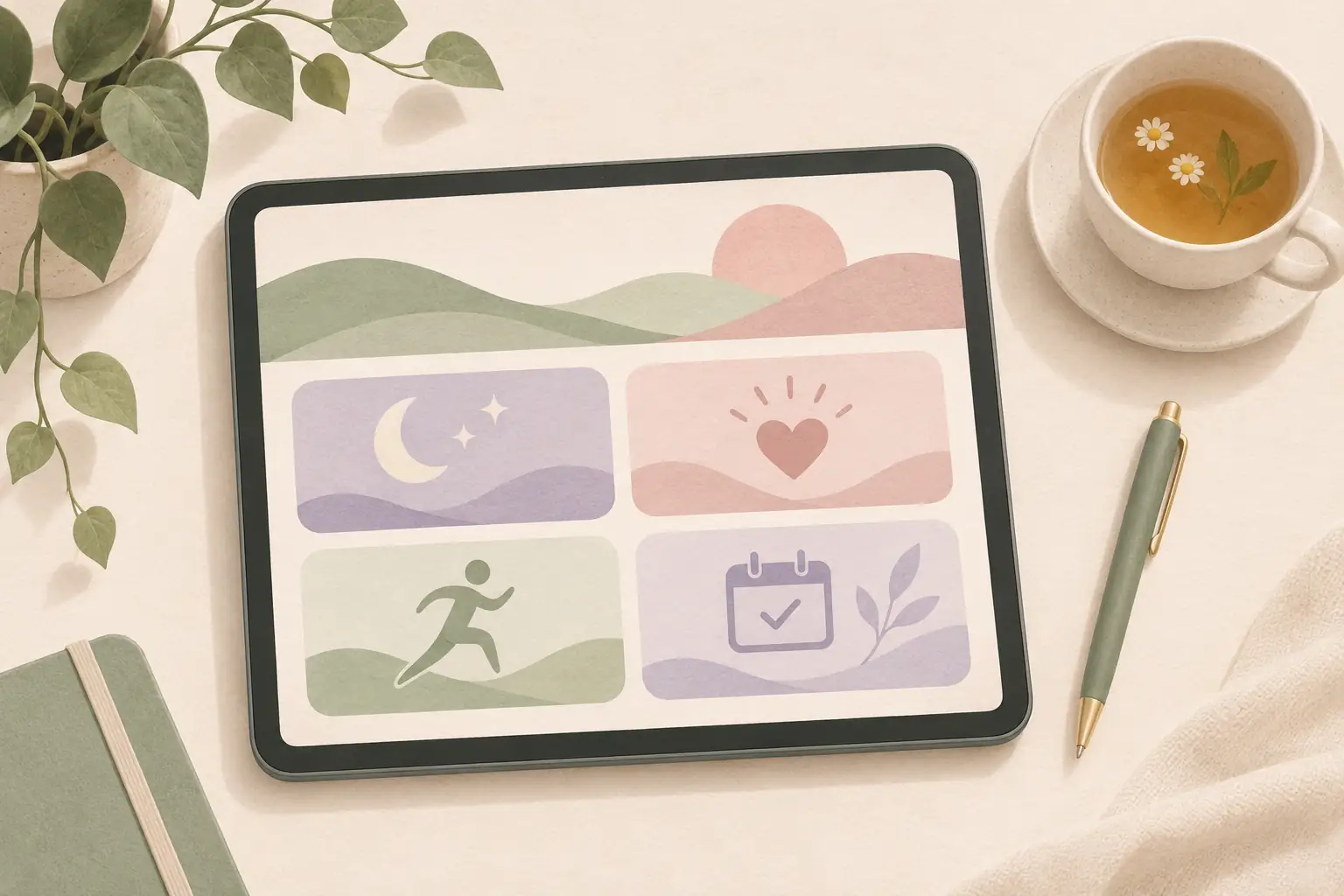
A wellness planner can look beautifully organized on a Sunday evening. If Tuesday runs late and Thursday fills with errands, all those empty boxes can start to feel like homework. If you have left a tracker behind before, extra fields will not make you want to reopen it.
Keep the page small: a few details you want to notice, one optional note, and a weekly check-in. Keep the page as a gentle record of your routines and observations. Let it help you notice what matters. A blank day does not need a score.
Key Takeaways
- Start with sleep, mood, movement, and one routine only if you want to notice them.
- Use a quick mark for routine check-ins and a short note when context helps.
- Review the week for useful patterns, not a perfect streak.
- Remove any field that feels stressful or takes too long to fill in.
What Goes in a Wellness Planner?
A wellness planner is a page where you record sleep, mood, movement and routines, so you can notice patterns over time. It can be a simple paper list or a Notion database with a date property, a few check-in fields and a space for notes. The useful details are the ones you want to remember, not every possible measure.
Use it as a gentle record of your own routines and observations, not a test you pass or fail. Choose what you want to notice, then give each item a simple way to record it.
You might track whether you took a walk, when you went to bed, or how your energy felt after a full day. Those are personal notes. They cannot explain a health condition on their own, and your page does not need to look like someone else's routine.
The U.S. Centers for Disease Control and Prevention suggests journaling as one way to process how you feel, alongside other emotional well-being practices. The CDC also describes connections between physical activity, mood, and sleep. Use that as context for choosing what matters to you, not as a promise that a planner changes those outcomes. (CDC emotional well-being; CDC physical activity benefits).
If a number or rating makes you focus on the score instead of how you feel, switch to words. “Restless,” “steady,” or “needed a slower morning” may tell you enough. Your check-in can change as your life changes.
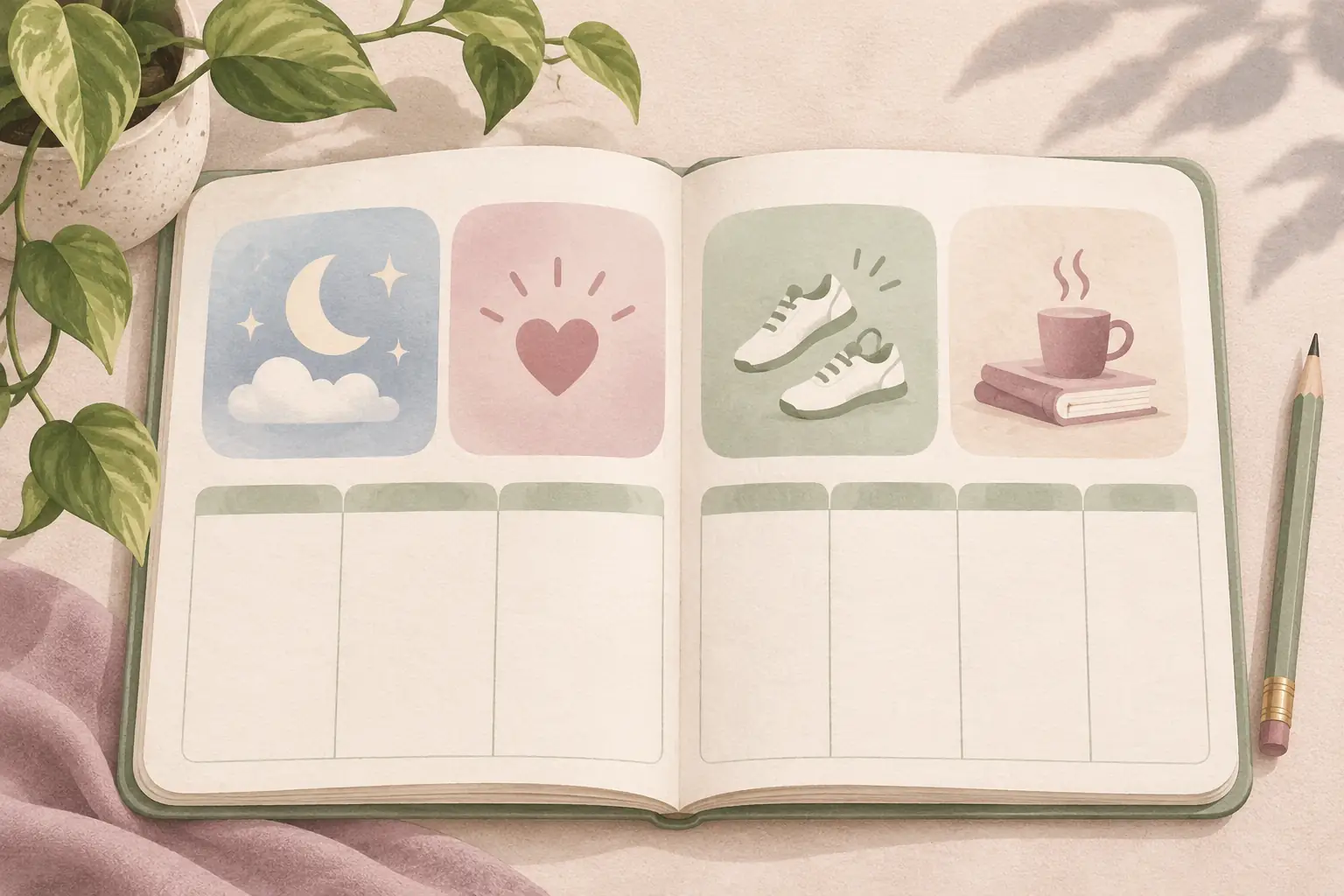
How Do You Set Up a Wellness Planner in Notion?
Start with one database or page, add a date property, then choose a few optional check-in fields for sleep, mood, movement or one routine. Keep a notes field for context and make the daily view easy to open on your phone. Review it weekly, remove fields you avoid, and add only what you miss.
The easiest wellness planner to keep is usually the one with the fewest required fields. A quick daily view is useful when you want a small check-in; a weekly view gives you more room to reflect without filling every day.
| Layout | What you record | A good fit if | Watch for |
|---|---|---|---|
| One-line daily note | Date and one sentence | You prefer words over ratings | A long prompt can make each entry feel like journaling homework |
| Small check-in | A few optional marks and a note | You want to notice a handful of routines | Too many rows can crowd a phone screen |
| Weekly reflection | What helped, what felt hard, what to adjust | Daily tracking feels repetitive | A weekly review can blur details you wanted to remember |
Try four prompts to begin: sleep, mood, movement, and one routine you want to notice. If you are choosing between a fresh page and a full life setup, our aesthetic Notion template guide explains what to check before you commit to a larger layout. Leave a small notes field at the bottom. Keep each answer optional, so a full day does not leave you with a row of blank boxes to catch up on later. If you would like a connected space for more than a single check-in page, preview the Wellness hub in Her's Notion Planner and see how it sits alongside the other planning areas. For flexible goals that can change with your week, see our wellness goals examples.
NHS sleep diary forms show one example of recording sleep alongside activity and mood. You can borrow the idea of keeping observations together, then make a simpler page that suits your own use. A diary helps you record; it does not diagnose why a night went badly. (NHS sleep diary).
On a phone, show the check-in first and tuck instructions or older entries below it. Try opening the page with one hand. If you have to scroll past setup notes before you can record a line, move those notes out of the daily view.
What Is the Difference Between a Wellness Planner and a Habit Tracker?
A habit tracker is a list or database that records whether you completed planned actions, such as taking a walk or pausing between calls. A wellness planner can include those routines, but it can also hold observations about sleep, mood or what made a day easier. Choose a tracker for actions and a planner when you want room for context.
Use the same small set of prompts for a short trial, then keep only the ones that help you remember the day. A prompt should be clear enough that you can answer it without searching for the perfect wording.
For example, “How rested did I feel this morning?” can be answered with a word or a simple scale. “Did I move in a way that felt good today?” leaves room for different kinds of movement. If you prefer not to rate yourself, replace either question with a blank line.
A gentle entry could look like this:
| Prompt | Example note |
|---|---|
| Sleep | Woke once; slow start |
| Mood | A little scattered |
| Movement | Walked to the shop |
| Routine | Took a screen break after lunch |
| One note | Easier afternoon after stepping outside |
This fictional example is not health advice or a product test. It shows how a few plain observations can fit on one screen. Use a number only when it gives you a useful answer.
The CDC emotional well-being guide includes journaling among its suggested ways to process feelings. Keep the note private if that helps you write freely. If tracking makes you more anxious, skip it or choose a different way to reflect.
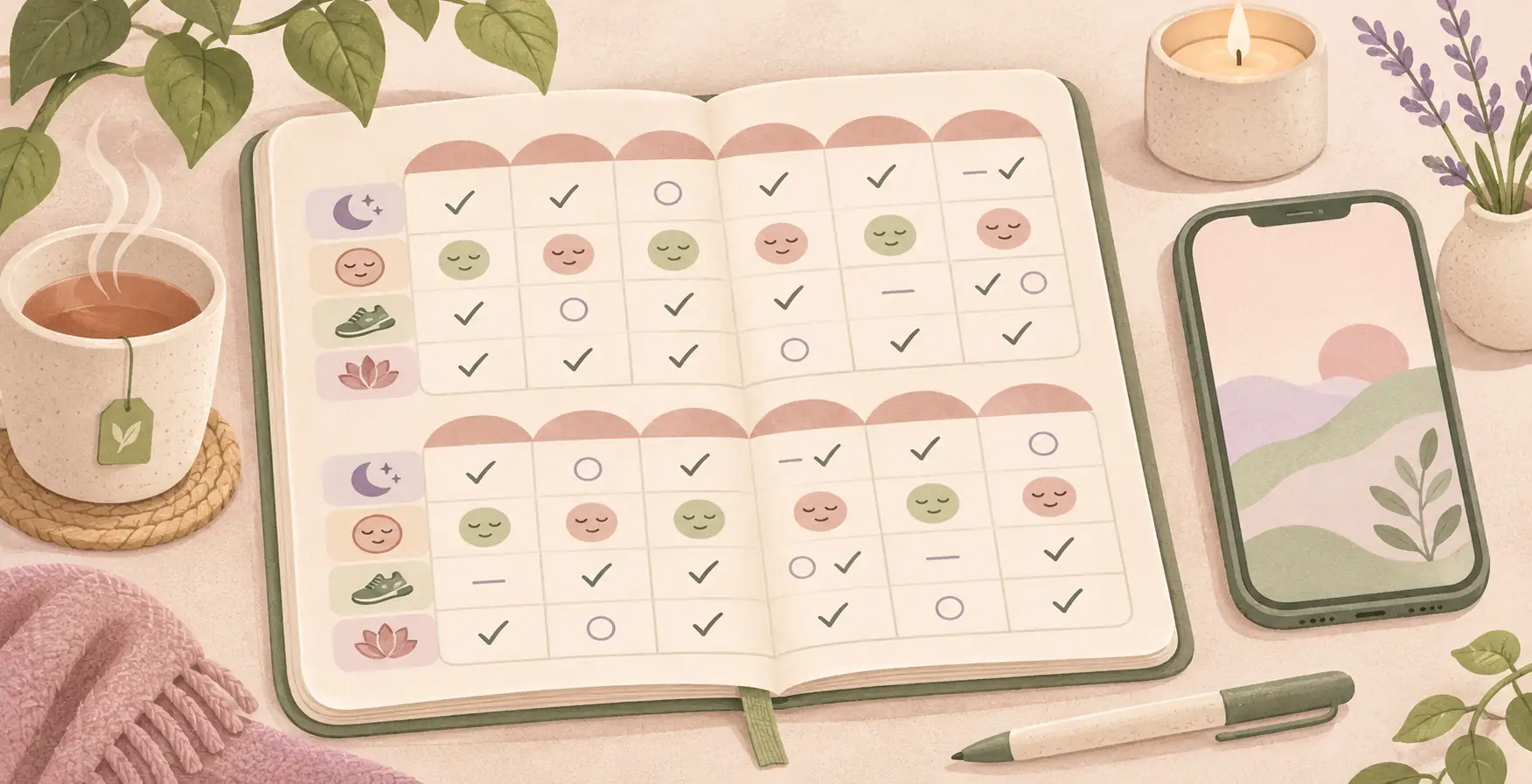
Use a Two-Week Trial to Find the Right Amount
A short trial can show whether your planner feels light enough to reopen. For the first week, use the smallest layout you can imagine. For the second, keep the same prompts and add only one field if you missed it.
Here is a fictional two-week example. The labels describe what one person chose to notice; they are not targets or recommended routines.
| Check-in | Week one | Week two |
|---|---|---|
| Sleep note | “Late bedtime, slow morning” | “Earlier night, woke once” |
| Mood word | “Busy” | “More settled” |
| Movement | “Walk after lunch” | “Stretch before dinner” |
| Routine | “Pause between calls” | “Pause between calls” |
| Weekly note | “Keep the short check-in” | “Drop the extra rating” |
At the end, ask three things: Which prompt was easy to answer? Which note helped you remember context? Which field did you keep avoiding? Remove the avoided field before adding anything new. Build the layout around the time and attention you have this week.
A weekly review is also a good place to decide what you do not want to track. If sleep details feel too personal, record only whether you felt rested. If movement is already part of another routine, leave it off this page. You can keep separate notes for anything you need to discuss with a clinician.
Keep Wellness Notes Separate From Medical Conclusions
A planner can help you remember what you noticed, but it cannot tell you why you felt a certain way. Write observations in everyday language and avoid turning a few entries into a diagnosis or a conclusion about cause.
For sleep, you might note the time you went to bed, a disruption you remember, and how you felt the next morning. The CDC says most adults need at least seven hours of sleep, while individual needs and health situations vary. If you are concerned about your sleep, speak with a qualified health professional rather than relying on a planner entry. (CDC sleep and heart health).
For movement, a note such as “short walk” can be enough. The CDC describes physical activity as beneficial for health and notes that adults who sit less and do any amount of moderate-to-vigorous activity can gain some health benefits. Your planner does not need to grade the activity or push you toward a target. (CDC physical activity benefits).
Keep this page for personal reflection. If a pattern worries you, bring your notes to a professional who can interpret them with your full context. Skip the tracker if recording details makes your day harder.
Give the Page a Calm Weekly Reset
A habit tracker is a list or database for recording planned actions and whether you did them. During a weekly review, look at which habit fields you used and which you skipped; keep only the fields that help you. A wellness planner can include a habit tracker, while also leaving room for observations and notes about your week.
A short weekly reset can help you keep the planner useful without reviewing every entry in detail. Pick a moment that already exists in your week, such as Sunday evening or a quiet lunch break.
- Notice what you used. Look at the prompts you answered without effort. Keep those visible.
- Remove what you skipped. A field you avoid may be unnecessary, too personal, or awkward to answer.
- Write one line about the week. Note something you want to remember, such as what helped a morning feel calmer.
- Choose one small adjustment. Change one prompt or move one routine, then try the page as it is.
You do not need a streak counter, a red warning, or a blank-page penalty. If you miss a few days, leave the old entries alone and use the next check-in when it suits you. A weekly habit tracker in Notion is a better fit when you mainly want to record planned actions and return after a missed day.
For an evening routine, pair the check-in with an existing wind-down cue. Our guide to a simple Notion night routine shows another way to keep a small routine visible. Keep the wellness page focused on observations; your checklist can live somewhere else.
Why Trust This Article
Cosmo Suite makes Her's Notion Planner. The health context here comes from the CDC, and the example of recording sleep, activity, and mood comes from an NHS sleep diary. The two-week table is fictional and was written for this guide. This article is general information, not medical advice.
Where Her's Notion Planner Fits
Her's Notion Planner may suit you if you want wellness planning beside the rest of your life plans. It includes five hubs: Productivity, Wellness, Lifestyle, Learning, and Finance, with desktop, tablet, and phone dashboards. The Wellness hub is one part of the larger template, so review the screenshots to see whether its layout fits what you want to record.
A dedicated one-page tracker may be easier if you want a single list and nothing else. If you like a connected space, the five hubs place wellness alongside other planning areas. The product page lists the included hubs and layouts. Her's Notion Planner is a planning template, with no medical tracker or clinical guidance.
You can look through Her's Notion Planner and decide whether the Wellness hub feels calm and clear on your device. Its five hubs and device layouts are shown on the product page, so check the screenshots before choosing a connected planner. If you prefer to build your own page, start with the four prompts above and adjust them after a short trial. For a related planning idea, see our Notion budget template guide.
For a concern about sleep, mood, or activity, ask a qualified health professional. See our editorial policy or contact us with a correction.
Frequently asked questions
What should a wellness planner include?
Pick the details you want to notice, such as sleep, mood, movement, or one routine. Add a short note when it gives you context. Leave out anything you do not want to track.
How do I use a wellness planner without making it a chore?
Keep the daily check-in to a few taps or lines. Open it at a time that works for you, then spend a minute on the weekly review. Drop fields you keep skipping. It should feel easy to return after a busy day.
Can I track mood and sleep in Notion?
Yes. A Notion page or database can hold simple personal notes about mood and sleep. Keep entries private and avoid treating them as a diagnosis or a replacement for medical advice.
Should I track my mood every day?
Daily notes can help if they feel useful. A few check-ins each week can be enough for your own reflection. If tracking leaves you more worried, pause or simplify it.
What is the difference between a wellness planner and a habit tracker?
A habit tracker focuses on planned actions and whether you did them. A wellness planner can also hold observations, such as how rested you felt or what made the day easier.
How can I make a wellness planner in Notion?
Create a short daily check-in with a date, a few optional fields, and one open note. Add a weekly review page to spot what you want to keep, change, or leave out. Test the layout on your phone.
Sources
Keep reading
Wellness and Self-Care
How to Build a Notion Habit Tracker (Without Rebuilding It Every Monday)
Notion habit tracker setup with a fresh weekly page, a gentle rule for missed days, and a small return routine for when your week gets full.
· 10 min read

Wellness and Self-Care
Night Routine: A 5-Minute Plan for Tomorrow Before You Wind Down
Night routine planning can take five minutes: clear one small task, choose tomorrow’s first step, then leave the rest of the evening for winding down.
· 9 min read

Wellness and Self-Care
5 Notion Journal Template Layouts Worth Trying
Notion journal template ideas compared by writing effort and what you may notice after a month. Includes simple formats and ways to restart after a pause.
· 8 min read
