Notion Life Planner vs Paper Planner: Which Is Right for You?
Notion life planner or paper planner? See what a year costs, compare pages, search, reminders, and phone access, then choose the format you'll use.
By Her's Notion Planner by Cosmo Suite · Editorial policy · Last updated
Disclosure: we make Her's Notion Planner, one of the two products compared here. Facts about Paper planner come from its public pages, linked with the day we checked them.
The short answer
Choose paper if handwriting, a fixed page layout, and a screen-free check-in matter most. Choose Notion if you want searchable, connected pages across life areas. You can start with Notion's free plan; Her's Notion Planner is a separate $9 one-time template.
Feature comparison
| Feature | Her's Notion Planner | Paper planner | Notes |
|---|---|---|---|
| Write by hand and see a page at a glance | No | Yessource | A paper planner gives you a physical page. Layouts vary by edition. |
| Search page content | Yes | Nosource | Notion search can find pages and content in a workspace; paper needs an index or your memory. |
| Set timed reminders | Yes | Nosource | Notion supports reminders on pages and database dates; a paper page cannot send a notification. |
| Use the same plan on phone and desktop | Yes | Nosource | Notion has mobile and desktop apps. Paper stays with the book unless you copy or photograph a page. |
| Open pages without a connection | Partial | Yessource | Notion supports downloaded pages offline; download needed pages on each device. Paper needs no connection. |
Pricing
| Product | Price | Checked |
|---|---|---|
| Her's Notion Planner | $9 one-time paymentNotion Free is $0 for personal use. Plus is listed at $10 per member per month when billed yearly in the US. Her's Notion Planner is a separate $9 one-time template purchase. | Our current price |
| Paper planner | Varies by paper planner and seller; usually a one-time purchase, with replacement cost if you buy another planner.Check the exact dated or undated edition, shipping, and tax before buying. | As of · source |
Prices change. Paper planner's price is as listed on its own pricing page on the day shown; check it there before you buy.
Who should pick which
Pick Her's Notion Planner if
- Connected plans across several life areas
- Searchable notes, goals, and lists
- Reminders and phone access
Pick Paper planner if
- Handwritten planning and quick page-wide views
- A screen-free daily check-in
- A layout you can see without opening an app
Where Paper planner is strong
- A paper planner is the better fit if handwriting helps you think, you want a fixed layout, or screens make planning feel like another task.
A paper planner can make a week feel easy: open the book, see the page, write down the next thing. Then life adds another layer. A goal is on one page, an appointment on another, and the note you need is somewhere in between.
With a Notion life planner, those pieces sit on a screen and can connect. That helps when your plans span work, home, wellness, learning, and money. It also means more tapping and a little setup. Pick the one that feels easy to open again next week.
Why Trust This Article
Cosmo Suite makes Her's Notion Planner, so it has a stake in the Notion option. Notion's public pricing and help pages were checked on November 9, 2026. This is not a hands-on test of both formats or a review of named paper products. Use the exercise below to compare your own routine. Paper layouts and prices vary by edition.
Read the editorial policy for how articles are checked and corrected, or use the contact page to report an error.
Notion and Paper at a Glance
Choose paper for handwriting, a fixed page, and a screen-free moment. Choose Notion for searchable pages, connected plans, and reminders. Check the details against your own routine.
| If you want to… | Better fit | What to keep in mind |
|---|---|---|
| Write freely and see the whole week | Paper planner | The page is ready when you open the book; the layout is set by the edition you buy. |
| Check the page layout and space | Paper planner | Check the edition's printed page count and make sure its layout has room for your notes. |
| Add a page when plans grow | Notion | You can add pages and choose which details to organize. |
| Find an old note or goal | Notion | Search can find page content; a paper planner needs a useful index or a good memory. |
| Get a reminder at a chosen time | Notion | A page or database date can trigger a reminder. A paper date stays on the page. |
| Keep one plan available without a battery | Paper planner | It works without a device or internet connection. |
| Connect plans across several areas | Notion | Linked pages and databases can keep related information together, but need a bit of setup. |
| Start with the least screen time | Paper planner | No app to open. If screens are already tiring, that matters. |
Ask yourself: when a plan slips, would you rather turn a page or search for the next step? That answer can point you to the format you are more likely to revisit. If you're still deciding, our aesthetic Notion template guide shows what to check before choosing a digital setup.
A Week of Real Plans Tells You More Than a Feature List
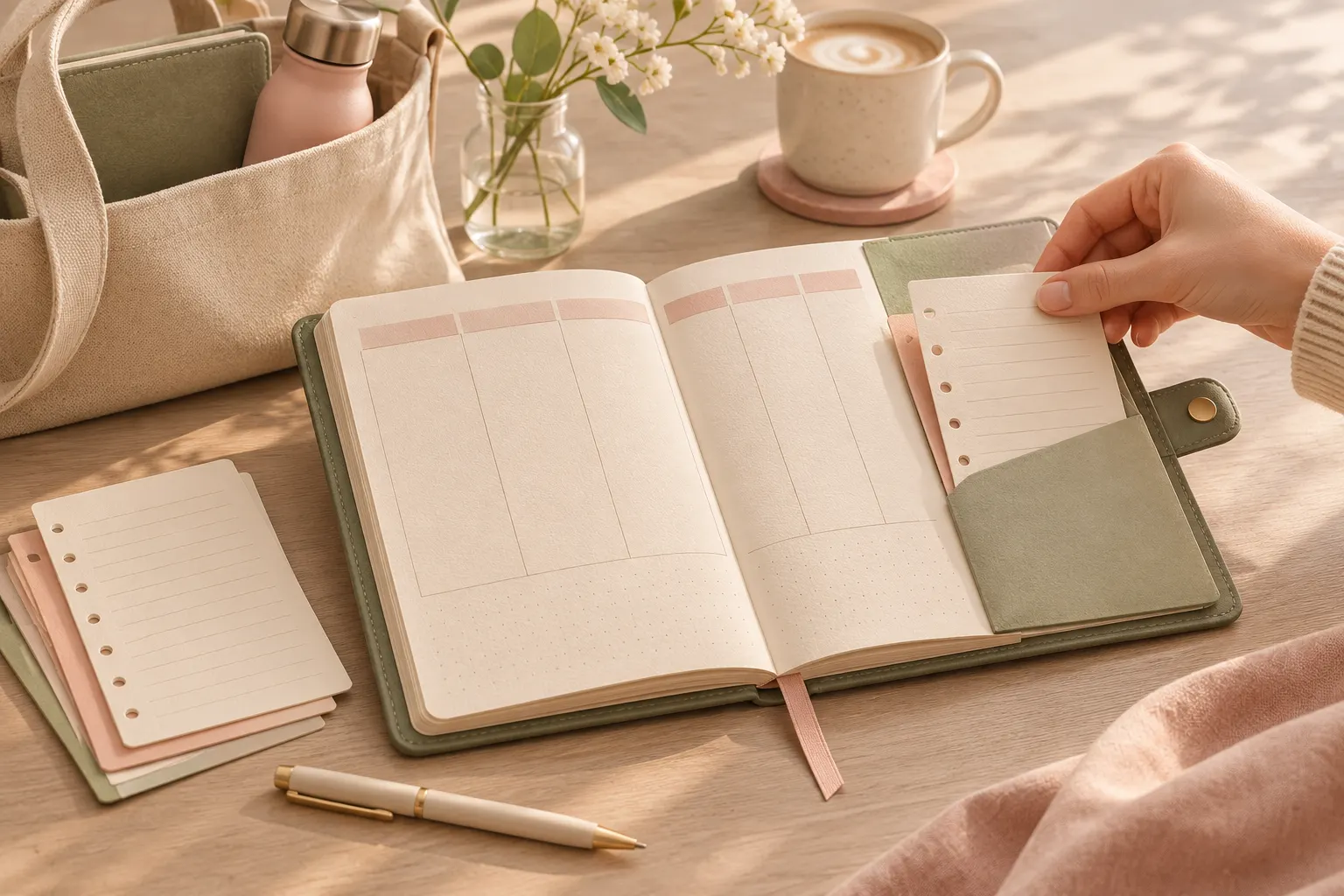
A planner can look lovely and still feel like homework. Before choosing one for a full year, pick a normal week and list the things you already need to remember: a fixed appointment, one repeating routine, a goal you want to move forward, and a note you may need later. Use the same list in both formats.
In a paper planner, write the week in the spaces you have. Notice whether you can fit the details without squeezing them into the margins. If the layout gives you room to decorate or add notes, see whether that feels calming or like extra work. A page you enjoy opening is a real advantage.
In Notion, place those same items on a page or in a list. Link only the things that need to sit together. A database is a list with details such as a date or category; you do not need one for every part of your life. The goal is to make the next step easy to find, not to build a miniature office.
This comparison is a small exercise you can run yourself.
The Yearly Cost Depends on What You Actually Need
For personal planning, Notion's Free plan is listed at $0 on its current US pricing page. Plus is listed at $10 per member per month when billed yearly. That works out to $120 for 12 months before tax. Monthly billing may cost more. Many people do not need a paid plan for a personal planner, so check whether a feature you want is limited to a paid tier before counting it as a cost.
A paper planner is usually a one-time purchase, but there is no single fair price for the category. A dated planner may need replacing when its year ends. An undated planner can start whenever you like, though its layout and page count depend on the specific edition. Include shipping and any accessories you expect to buy when you compare real options.
Her's Notion Planner is separate from Notion's subscription. It costs $9 once and works with a free Notion account. Its included space has five hubs for Productivity, Wellness, Lifestyle, Learning, and Finance, plus Life Areas and Goals, Second Brain 2.0 with P.A.R.A., Life Planners with built-in automation, device dashboards, and a setup guide. The Notion planner template and its contents may suit you if you want a ready-made starting point instead of arranging every page yourself.
To compare your own 12-month cost, add the tool or template price, renewals, replacement pages or planners, shipping, and any paid features you truly need. Do not assume a digital planner is free forever or that a paper planner always costs less. Compare the exact choices on your list.
Paper Gives You a Page You Can See and Touch
Paper wins if you want to write without opening a device. You can scan the whole spread, circle an item, draw an arrow, or jot something in the margin. That freedom can make a quick check-in feel more natural than navigating an app.
Its limits show up when the plan outgrows the page. If a goal, routine, and reference note belong together, you may need to flip between sections or make an index. You can move an appointment by rewriting it, but an old note will stay where you first put it unless you copy it over.
The exact layout matters more than the label “paper planner.” Look at the month, week, and note pages in the edition you are considering. Make sure there is space for how you plan, rather than buying a cover you love and hoping the inside will work.
Notion Makes Plans Easier to Find and Connect
A Notion life planner is a set of pages and databases inside your Notion workspace. Notion wins when you want a plan to be searchable and connected. Its workspace search can find pages and content, and you can sort and filter results. A routine, goal, and note can link to one another, so related details do not have to live in the same physical spread.
That flexibility comes with a small setup cost. You choose what belongs on the home page and which details to track. A database is a list where each entry can hold details such as a date or category. Start with one weekly page and add a link or view only after you notice a real need. If you want a clean starting point, the guide to choosing a Notion template explains what to check before you add another space.
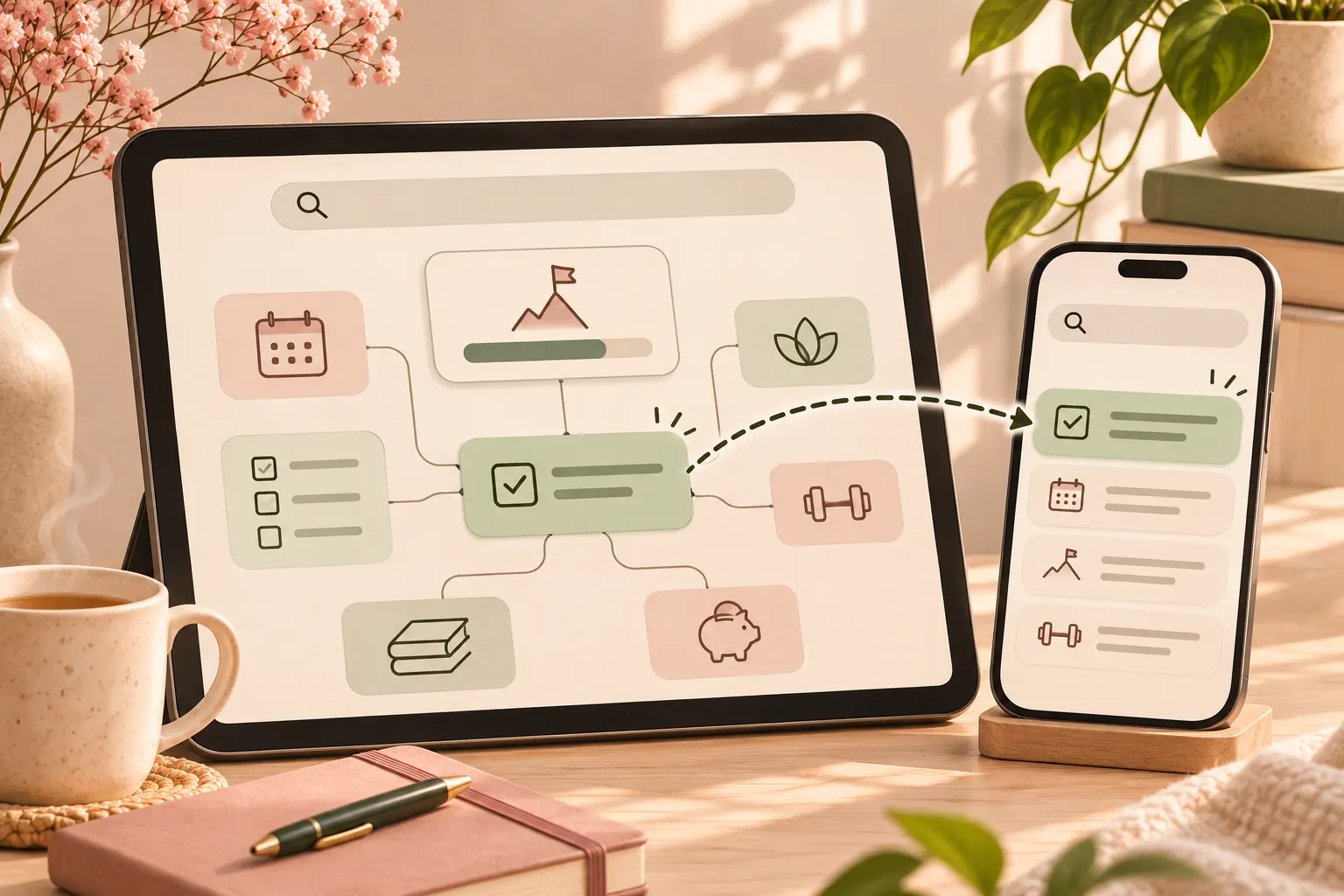
Notion also has reminders for pages and database dates. Its reminder guide explains how to set a time and notification. The mobile app lets you read, edit, and comment on your content. You can download selected pages for offline use, but downloads are tied to each device; subpages do not automatically download with the parent page. If you often plan where service is unreliable, check which pages you need before you leave.
Search, Reminders, and Phone Access Change the Daily Routine
If you often need to find an older idea, Notion has the advantage. Search for a phrase instead of paging through a notebook. With paper, a contents page, tabs, or a consistent filing habit can help, but you must create and maintain that index yourself.
For reminders, Notion can send a notification at a time you set. Its help page describes reminders on pages and on database dates. Paper can keep a due date visible, but it cannot notify you while the book is closed. If you already use a phone calendar for alerts, that may cover the gap without changing your main planner.
Phone access is also a trade-off. Notion has iOS and Android apps, so your content can be read or edited on a phone. A paper planner is quick to glance at when it is in your bag, but a particular note is not searchable from a device. Decide whether you want the phone to be the planner or only a way to check your next appointment.
Offline Access and Missed Weeks Need a Plan
Offline downloads are pages saved on a device for use without a network connection. Paper works wherever you can open it. Notion supports offline pages when you download them in advance. Downloads stay on the device where you saved them, and subpages may need their own download. The Notion offline guide explains what is available without a connection.
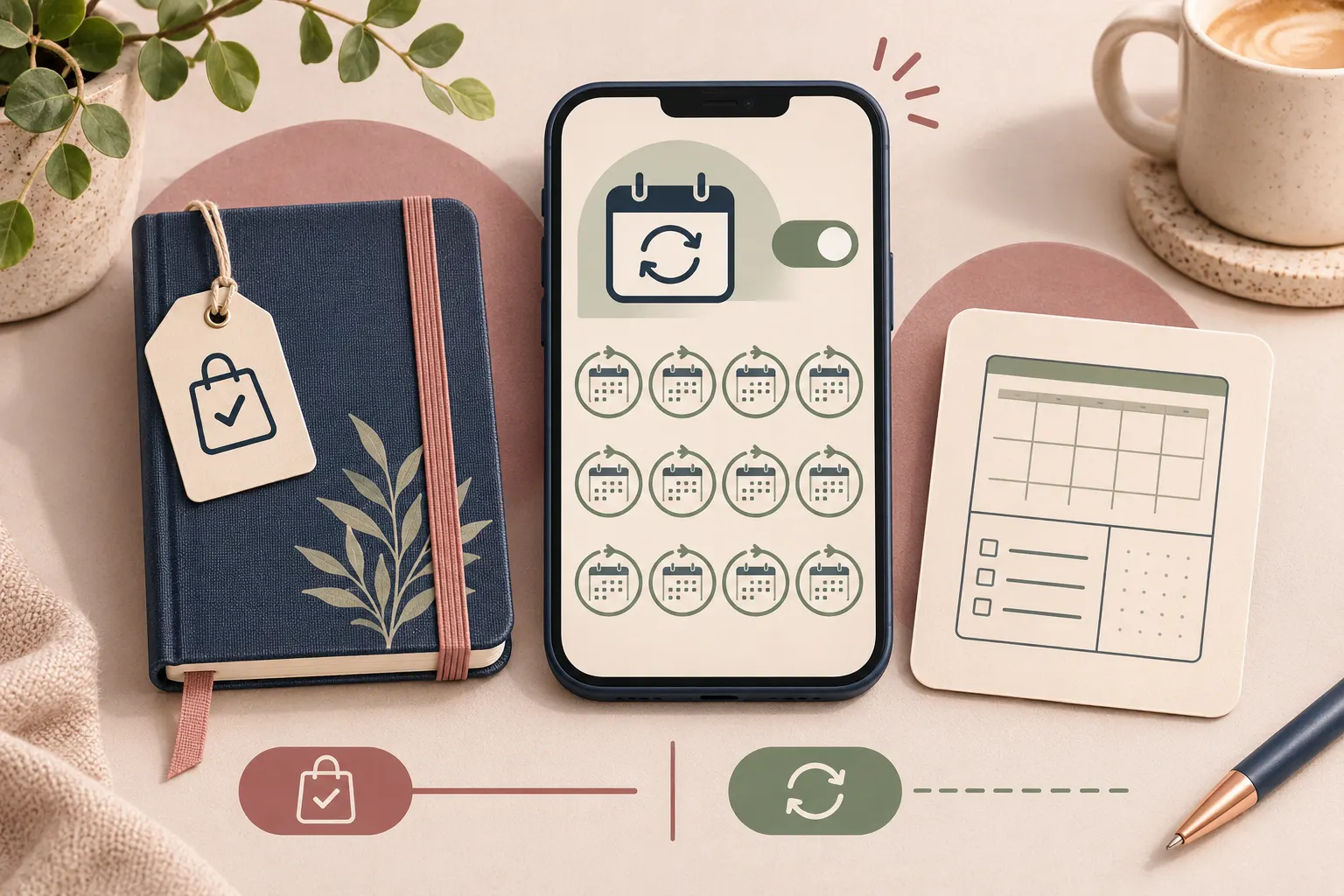
A missed week can feel different, too. In a dated paper planner, empty pages may make the gap visible. With an undated format, you can continue on the next open page. In Notion, an unfinished list can wait until you return, but it may need a quick review so overdue items do not blend into new plans.
Make the return rule part of the test. When you open the planner after a busy day, can you tell what still matters in under a minute? If not, simplify the page, archive old notes, or mark only the next action. The lighter the reset, the easier it is to come back.
What Helps You Return After a Busy Week
Use a small return strip in either format: write the next action, where its details live, and when you will look again. That gives you a restart point without asking you to reconstruct the whole week. In a paper planner, leave it on the current spread. In Notion, pin it near the top of the page you use most.
Paper is the better pick if handwriting helps you think, you like a set layout, and you want a screen-free page you can scan at once. Choose a format with enough room for the way you actually write, then bring it to your normal planning spot.
Choose Notion if you want to connect and search plans across areas of life, set reminders, or check your pages on a phone. A free account is enough to start for personal use. If you want a prepared system, Her's Notion Planner is a $9 one-time template with five hubs, Life Areas and Goals, Second Brain 2.0 with P.A.R.A., and desktop, tablet, and phone dashboards.
You can also use both. Keep a short weekly view on paper and put reference notes or linked lists in Notion. Give each task one home. If the same item appears in two places, decide which copy stays current before the system grows.
Keep the test small. Plan one ordinary week, then come back after a busy day. The better format helps you see the next step without making you tidy the whole planner first.
Where Her's Notion Planner Fits
If connected plans are what you want, Her's Notion Planner starts with five hubs for Productivity, Wellness, Lifestyle, Learning, and Finance. It also includes Life Areas and Goals, Second Brain 2.0 with P.A.R.A., Life Planners with built-in automation, dashboards for desktop, tablet, and phone, and a setup guide. The template is $9 once and works with a free Notion account.
Choose a paper planner when the page and pen are the point. Choose a digital workspace when connections and search matter more. Either way, use the return strip for a week and see which format still feels easy to open.
Frequently asked questions
Is a Notion life planner better than a paper planner?
It depends on how you plan. Paper is a strong fit for handwriting and a visible page. Notion is better when you want linked, searchable pages, reminders, and phone access. Try the same week in both before you choose.
Can I use Notion for free as a life planner?
Yes. Notion's Free plan is $0 for personal use. A template is a separate purchase, and optional paid plans may suit other needs. Check Notion's current pricing page for your region.
How much does a Notion life planner cost for a year?
Notion Free costs $0. In the US, Plus is listed at $10 per member per month when billed yearly, or $120 across 12 months before tax. Her's Notion Planner costs $9 once and is separate from Notion's plan price. Paper planner prices vary by edition and seller.
Can Notion send planner reminders?
Yes. Notion can notify you about a task, event, or page at a time you choose. You can add a reminder in a page or to a database date. A paper planner can show the date, but it cannot send a notification.
Can I use Notion offline on my phone?
Yes, for pages you download in advance. Offline downloads are device-specific, and subpages do not download automatically with a parent page. Paper works without a device or connection.
Can I use a paper planner and Notion together?
Yes. Keep the week's visible schedule on paper and use Notion for reference notes or connected lists. Pick one place for each task so you do not have to remember which planner holds the latest version.
