Notion vs Goodnotes in 2026: Which Planner Fits How You Think?
Notion vs Goodnotes: compare handwriting, search, offline use, and costs to choose the planner that fits how you capture and revisit your life.
By Her's Notion Planner by Cosmo Suite · Editorial policy · Last updated
Disclosure: we make Her's Notion Planner, one of the two products compared here. Facts about Goodnotes come from its public pages, linked with the day we checked them.
The short answer
Choose Goodnotes if handwriting on a tablet is how you think, mark up PDFs, or record audio beside notes. Choose Notion if you want typed, linked pages and databases for several parts of life. Her's Notion Planner is our $9 one-time template for that second style.
Feature comparison
| Feature | Her's Notion Planner | Goodnotes | Notes |
|---|---|---|---|
| Handwritten notes and PDF markup | No | Yessource | Goodnotes is built around digital handwriting and PDF annotation. |
| Search handwritten notes | No | Yessource | Goodnotes can search handwriting on supported platforms and languages. |
| Linked life-planning hubs | Yes | Not publicly available | |
| Handwriting synced with recorded audio | No | Yessource | Goodnotes Note Replay links writing to the time it was recorded; availability varies by platform and plan. |
| Offline access | Partial | Yessource | Notion pages must be downloaded in its desktop or mobile app; Goodnotes lists offline access across its supported devices. |
| Use on phone | Yes | Yessource | Goodnotes plan and sync availability depend on the device and plan. |
Pricing
| Product | Price | Checked |
|---|---|---|
| Her's Notion Planner | $9 one-time payment$9 one-time payment; a free Notion account works. | Our current price |
| Goodnotes | $0 Free; Essential $11.99/year; Pro $35.99/year; Special Edition is a one-time Apple purchaseUS prices shown; prices and purchase options vary by region and platform. | As of · source |
Prices change. Goodnotes's price is as listed on its own pricing page on the day shown; check it there before you buy.
Who should pick which
Pick Her's Notion Planner if
- Typed planning across several life areas
- A ready-made Notion space with linked hubs
- A one-time template purchase
Pick Goodnotes if
- Handwriting with a stylus
- Annotating PDFs and replaying audio alongside notes
- A notebook-first workflow
Where Goodnotes is strong
- Goodnotes is the better fit for handwriting, PDF markup, and audio-linked notes. Its free plan can also be enough if you stay within its file and notebook limits.
Open the same weekly plan in Goodnotes and Notion, and the difference shows up right away. Goodnotes gives you a digital notebook for handwriting and marking up pages. Notion gives you typed pages, databases, and links between information. If you've downloaded a pretty planner and left it untouched, start with a simple question: do you think by writing or typing?
Her's Notion Planner is our product. It is a $9 one-time Notion template with five linked hubs, Life Areas and Goals, a Second Brain 2.0 with P.A.R.A., and dashboards for desktop, tablet, and phone. Goodnotes is an independent notebook app. This guide compares the two workflows, current plan limits, and where each one is a better fit. Goodnotes plan details and prices were checked on November 7, 2026; availability can vary by region and device.
Why Trust This Comparison
Cosmo Suite makes Her's Notion Planner, so we have a clear stake in the Notion side of this comparison. We checked Goodnotes' own plan and support pages for its current limits, pricing, search, and audio features on November 7, 2026. We did not run a hands-on test or score either product from customer reviews. We use the same questions for both and mark a feature unknown when a public source does not establish a fair match.
Read our editorial policy for how we check and correct articles, or use the contact page to report an error.
Notion vs Goodnotes at a Glance
Reach for Goodnotes when you want a pen in your hand. Choose Notion when you want to type, sort, connect, and revisit plans across several areas of life. You can use either on a phone or desktop. Goodnotes opens into notebooks; Notion organizes work through pages and databases.
| If you want to… | Better fit | Why |
|---|---|---|
| Write by hand with a stylus | Goodnotes | It centers digital handwriting, handwriting search, and PDF markup. |
| Keep goals, routines, and life plans connected | Notion | Pages and databases can link across one workspace; a template can start with those connections already set up. |
| Mark up a PDF or revisit a lecture recording | Goodnotes | It supports PDF annotation and can sync handwriting with audio playback. |
| Start with a ready-made life-planning space | Her's Notion Planner | It includes five named hubs and a setup guide, for a one-time $9 purchase. |
| Try a free notebook first | Goodnotes Free | The free plan is $0, with limits on files, imports, storage, and export. |
Start with the way you like to capture a thought: do you reach for a stylus, or type it and link it to a list? That answer will tell you more than a long feature checklist.

The Main Difference Is How You Capture a Thought
Goodnotes is a digital notebook app built for handwriting, PDF markup, and notes. Its official feature guide describes handwriting, PDF annotation, handwriting recognition, and notebooks as core parts of the app. A stylus lets you sketch a weekly layout, circle a date, or write a few lines without arranging text blocks first. If your planner is also where you mark up readings or meeting notes, those notebook tools may matter more than a prebuilt life dashboard.
Notion is a workspace for typed pages and databases that can link to one another. A database is a list where each entry can carry details such as a date, status, or category. That structure can help when your plans span routines, goals, finances, and personal notes. It asks you to use a keyboard or tap through fields instead of handwriting freely.
If you mainly want a journal you can write in by hand, choose Goodnotes and keep the setup simple. If you want your journal beside goals and other life plans, a Notion planner organized around linked life areas may feel easier to revisit. You can also start with one blank Notion page and add structure only when you miss it.
Search Favors Different Kinds of Notes
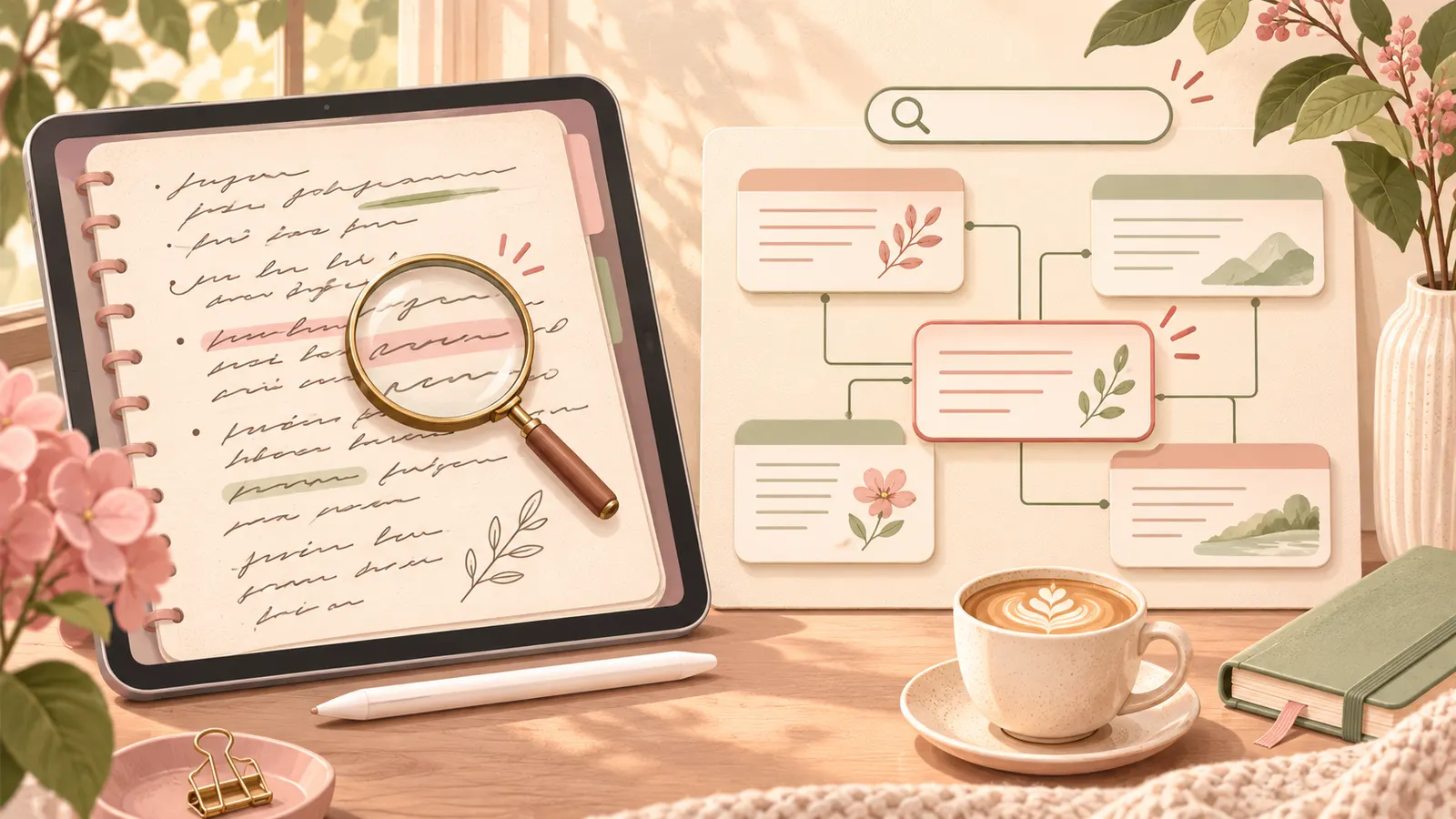
Goodnotes can search handwriting, typed text, and text in PDFs that already have an OCR layer, according to its search guide. Handwriting recognition helps when you remember a phrase but not which notebook or page holds it. Supported languages and platform details vary, so check them before moving a large archive.
Notion search is built around pages and workspace content. Its search guide explains that database search can look through page names and property values, while workspace search can search content inside database pages. Search has limits for comments and select or multi-select property values. A clear title or database property gives you a better chance of finding an old plan.
Try the same lookup in each tool before you choose. Put the phrase “dentist appointment” in one note and “summer budget” in another. Then search for both on your phone. In Goodnotes, try a handwritten phrase if handwriting search is why you are considering it. In Notion, use a page title and a database field. Keep the tool that helps you find the note you need.
Phone Use and Offline Access Need a Plan
Both products have mobile apps, though features vary by device. Goodnotes supports Apple devices, Android, Windows, and web, while plan details and cross-platform sync differ. Read the current plan comparison if you need your notebook library to sync across platforms.
Notion supports offline use in its desktop and mobile apps. Its offline guide says you can download pages individually on any plan, while paid plans also automatically download recent and favorite pages. Downloads stay on the device where you saved them, and subpages do not download automatically. A database download includes the first 50 rows of its first view, so save any other pages or rows you will need. Notion’s web app does not provide this offline feature.
Before a trip, decide which pages you need without a connection. Goodnotes may suit you if you carry handwritten notes, PDFs, or class material. With Notion, download key pages first and check they are available on that device. Keep a paper copy of any short list you cannot do without.
Compare the Cost You Will Actually Pay
Goodnotes Free costs $0 and has limits: the current plan comparison lists up to three notebooks, three text documents, and three whiteboards, plus limits on storage, import size, audio recording, and exports. Goodnotes Essential is listed at $11.99 per year in the United States. Goodnotes Pro is $35.99 per year there. Goodnotes Special Edition is a one-time purchase for Apple devices, but its price varies by region and platform. Check the official plan page at checkout because prices and purchase options can change.
Her's Notion Planner costs $9 once. It is a template used inside Notion, not a paid Notion plan. You can use a free Notion account. Notion’s optional paid plans are separate and are not required to buy or use the template.
Match the plan to what you need. Goodnotes Free may be enough if three notebooks cover your notes. If you need more room, watermark-free export, or cross-platform sync, check which paid plan includes that feature. Her's Notion Planner is a connected Notion template for $9 once. Any optional Notion subscription is a separate cost.
Choose the Setup You Will Open Again
Goodnotes suits you when the page is your work surface. You write, sketch, mark it up, and return to those marks later. That can feel like carrying a paper planner with search and digital storage. Goodnotes also offers Note Replay, which syncs handwriting with audio playback on supported platforms and notebook documents. Its support article lists the platform and document limits.
Notion works well when you want one page to lead to related information. A goal can link to a routine, a note, or a dated list. That structure can help with a whole-life planner, though it may be too much if you only want a notebook. For a simple weekly overview, paper or one Goodnotes notebook may be quicker.
Give one weekly page or one notebook a week-long trial. Keep the test small:
- Add only what you already check, such as a few dates, a goal, or notes you want to find again.
- Search for one detail you entered earlier, then open the same plan on your phone.
- At the end of the week, notice which setup you opened without a reminder.
If decorating or setting it up took more time than using it, take out a step or try the other format.
Where Her's Notion Planner Fits
Her's Notion Planner suits someone who wants a ready-to-use Notion space across five hubs: Productivity, Wellness, Lifestyle, Learning, and Finance. It includes Second Brain 2.0 with P.A.R.A., Life Areas and gamified Goals, Life Planners with built-in automation, and a setup guide. It costs $9 once, and a free Notion account works.
That structure is useful when you want more than a notebook and prefer typed, linked planning. Goodnotes is the better choice if handwriting, PDF markup, or audio-linked notes are the reason you are shopping. Her's Notion Planner is our product, and it is not affiliated with or endorsed by Notion. Notion is a trademark of Notion Labs, Inc.
If the Notion workflow sounds right, look through Her's Notion Planner and its five hubs. For more context, compare aesthetic Notion templates that balance looks and use, personal Notion template options, and when free Notion templates are enough. If those pages still leave you unsure, try one notebook and one Notion page for a week, then keep the one you reached for first.
Frequently asked questions
Is Goodnotes better than Notion for handwritten notes?
Yes. Goodnotes is designed for digital handwriting and can search handwritten notes on supported devices and languages. Notion is better suited to typed pages, linked references, and databases.
Can I use Notion offline?
Yes. Notion lets you download pages for offline use in its desktop and mobile apps. On the free plan, download pages individually. Your downloaded pages stay on that device.
Is Goodnotes free?
Goodnotes has a free plan with limits, including up to three notebooks, three text documents, and three whiteboards. It also offers paid plans and an Apple-only one-time purchase; check the official plan page for your region.
Does Goodnotes work on Android and Windows?
Goodnotes offers apps for Apple devices, Android, Windows, and the web, but features and sync depend on the plan and platform. Check the current plan comparison before buying.
Does Her's Notion Planner work with a free Notion account?
Yes. Her's Notion Planner is a Notion template, and a free Notion account works. The template costs $9 once; it is separate from Notion's optional paid plans.
Can I use a Notion planner and Goodnotes together?
Yes. You could keep typed life plans and linked lists in Notion, then use Goodnotes for handwritten reflections or PDF markup. That adds two places to maintain, so try the simpler tool first.
